Answers, plainly.
Everything people ask about Snoutbook, in one place. Ask AI in the app can also answer most questions about your own pets in seconds.
Getting started
Create an account, add your pets, snap your first records. Most people are set up inside ten minutes.
Jump to answersSharing & access
Family members, pet sitters, and who can see what — the model is simple once you've seen it.
Jump to answersRecords & AI
What you can upload, why records say "checking," and exactly what the AI does with your data.
Jump to answersThe basics
What is Snoutbook?
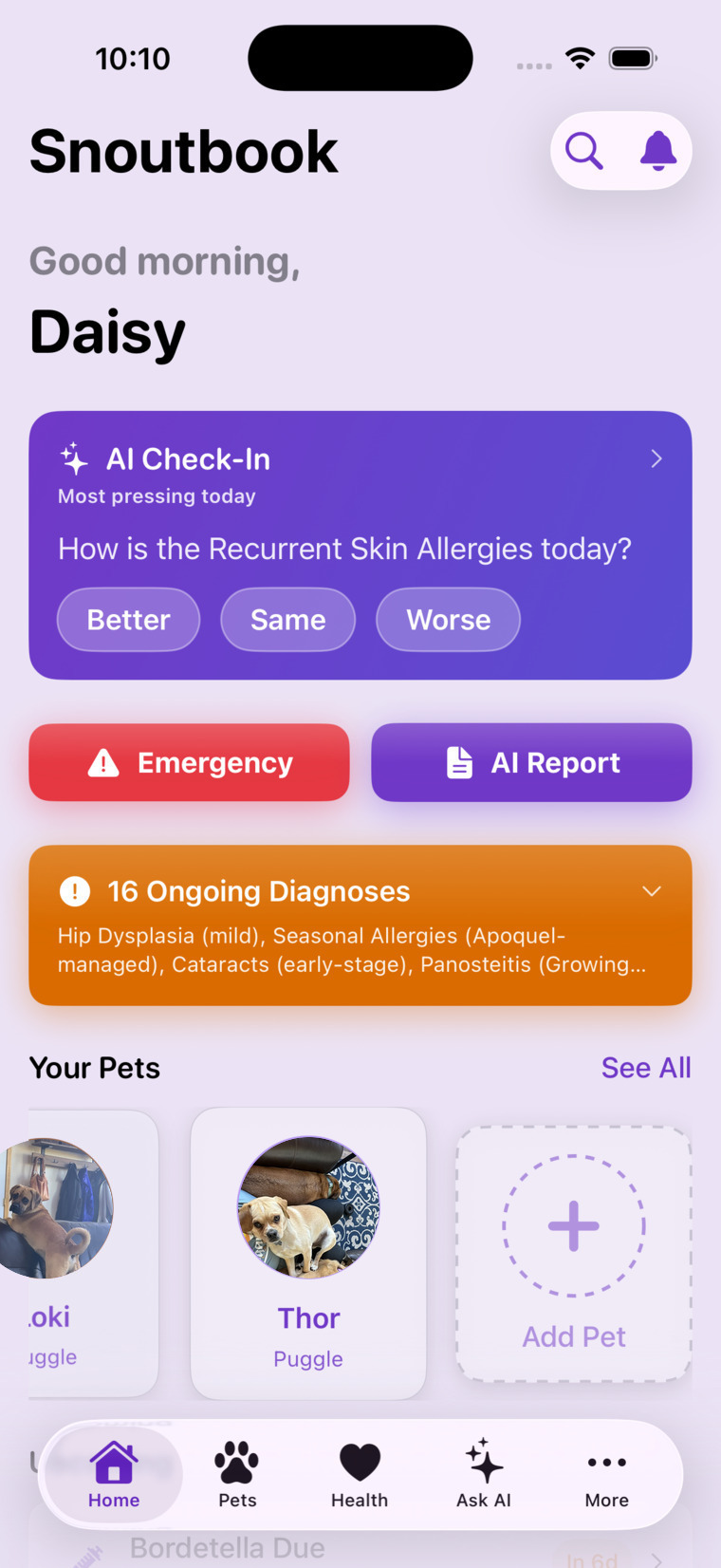
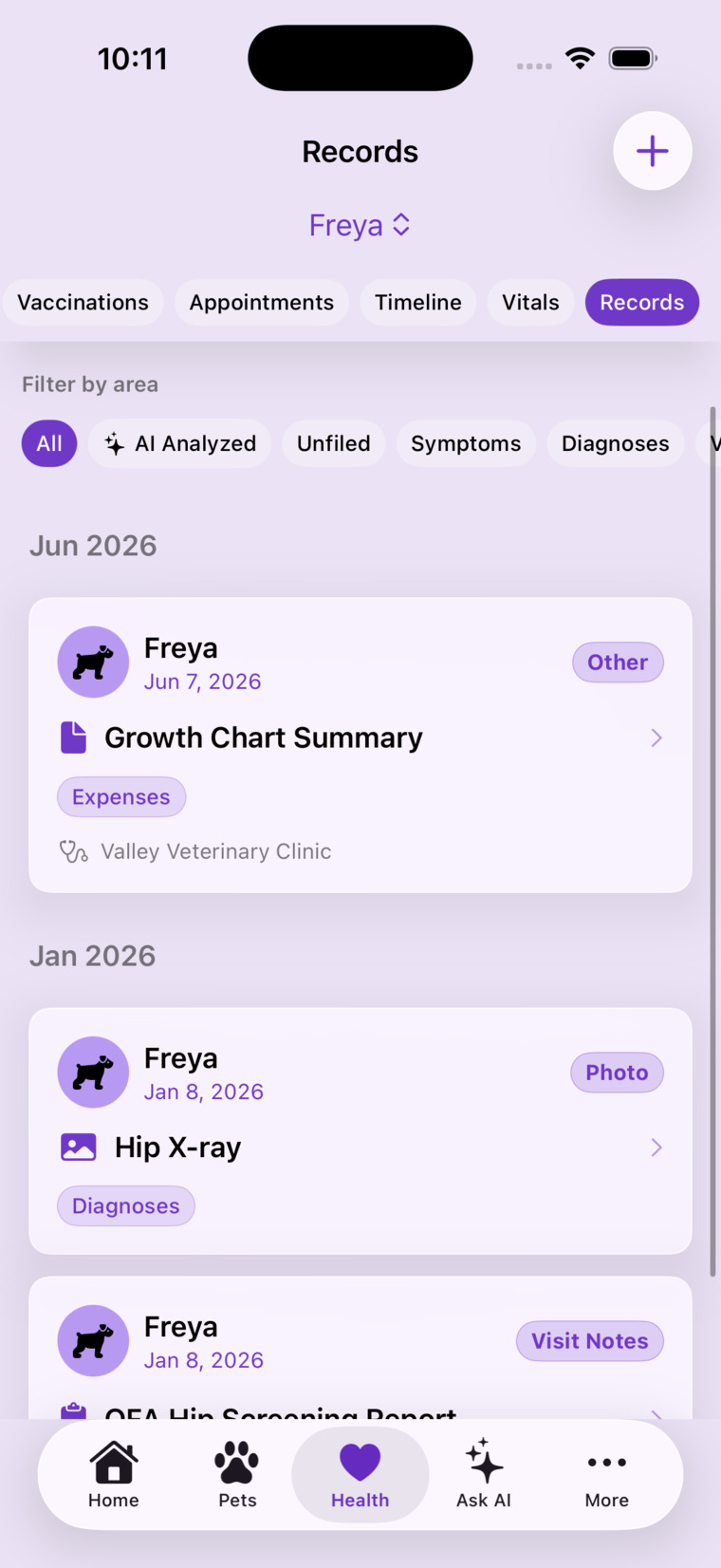
Snoutbook is a pet health app for iPhone and Apple Watch. It keeps your pets' complete health story — records, medications, conditions, vaccines, expenses — organized in one place, shares it safely with the people who help you care, and keeps a vet-ready emergency report on your phone that works even with no internet.
When can I get it?
Soon! The iPhone and Apple Watch apps are in private beta testing via TestFlight right now. After beta wraps, Snoutbook goes to Apple for review and public release on the App Store. The status section on our home page always reflects where things stand.
What devices does it support?
iPhone and Apple Watch at launch, with a dedicated iPad experience planned after. The Watch app ships together with the iPhone app — mark doses from your wrist, glance at today's schedule, and reach emergency info in two taps.
Does it really work offline?
Yes — by design, not by accident. Your pets' emergency reports and documents are cached on your phone, encrypted, and kept current in the background. In an emergency room with no signal, in airplane mode, in the middle of nowhere: open the app and the critical information is there.
What kinds of pets can I track?
Dogs, cats, birds, fish, reptiles, rabbits, horses, hamsters, ferrets, and more — if you care for it, you can track it. Breed catalogs and health details are richest for dogs and cats, but every species gets the full record-keeping, reminder, and emergency-report treatment.
Documents, photos & the safety check
What can I upload?
Photos (including HEIC straight from your camera), PDFs, and common document formats — vet records, lab results, x-rays, receipts, insurance paperwork, multi-page documents. Snoutbook converts whatever you add into a clean, standard format that opens everywhere.
Why does my upload say "Processing" or "Checking"?
For a few seconds after upload, Snoutbook is doing three things: stripping hidden metadata (like GPS location in photo files), converting the file to a standard format, and running an automatic content safety check. Then it posts. Here's the full story of why we bother.
Will graphic medical photos be rejected?
No. Wounds, surgical sites, skin conditions, x-rays — clinical reality is exactly what Snoutbook exists to document, and the safety check is built to welcome it. It only declines content that has no place in a pet-care app, like explicit or hateful material. See the Acceptable Use Policy for the ground rules.
What happens if an upload is declined?
It isn't posted, you're told why in the app, and any storage it would have used is credited back. If it was a new profile photo, the previous photo simply stays in place. Nothing is shared with family members or sitters until a file passes the check.
Can I get my data out?
Any time, in CSV or JSON. Your data is yours — no lock-in, no exit fee, no "contact sales."
Family, sitters & access
What's the difference between a family member and a pet sitter?
Family members are full partners in care — they see everything about the pets you share and can log doses, symptoms, and records from their own phone. Pet sitters get scoped access: only the pets you pick, only the permissions you allow, and optionally only for a date range you set. Both are invitation-only.
Do people I invite have to pay?
No. Invited family members and sitters use Snoutbook free for the pets you've shared. Their AI questions about your pets count against your plan's allowance — never their wallet.
Can I take access away?
Instantly, any time — or schedule sitter access to expire on its own when the trip ends. Removal takes effect immediately on their device, enforced by the server on every request.
Can I see what a sitter did while I was away?
Yes. Every change carries its author — the activity log shows who logged which dose, added which record, and when. You can also get an optional notification when someone acts on your pets.
The assistant & your data
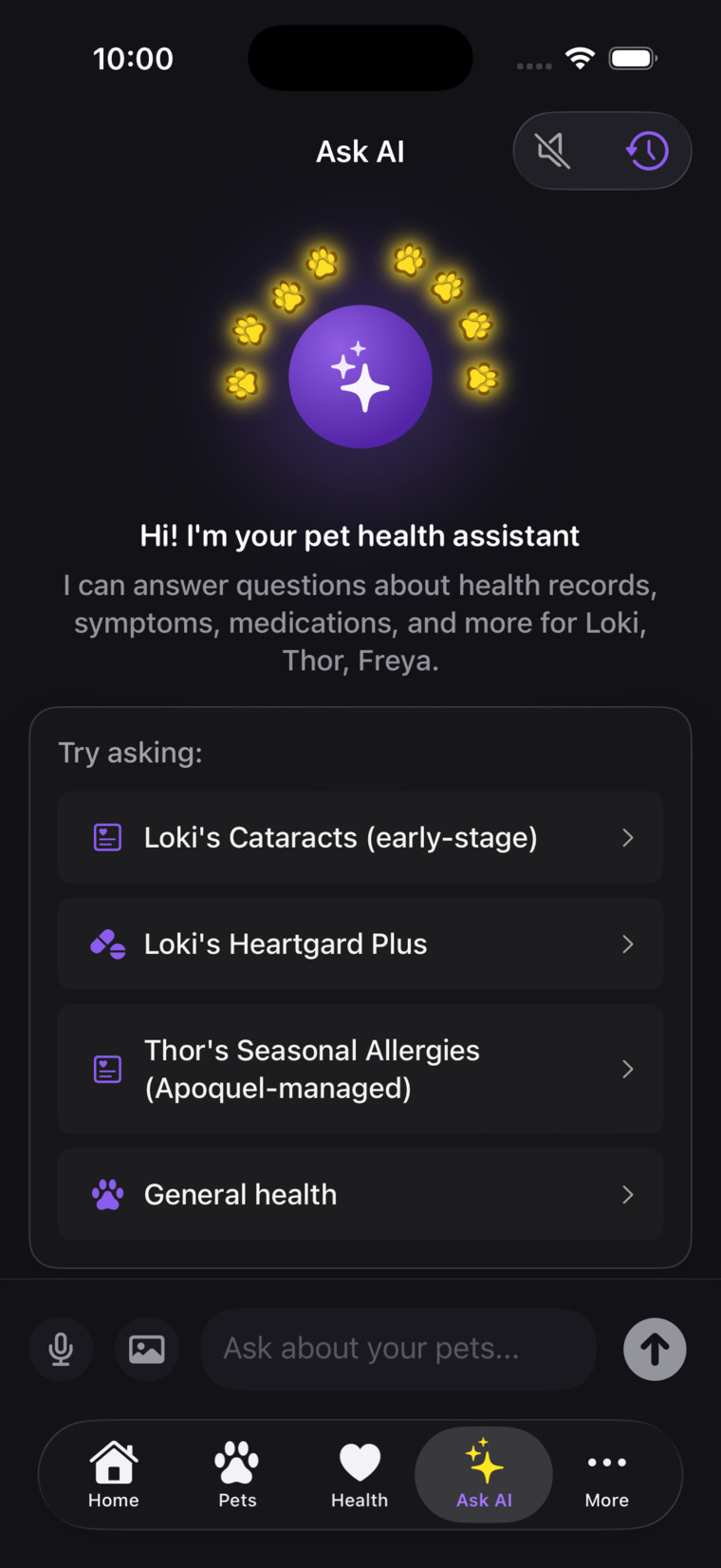
What does the AI actually do?
Five things, depending on your plan:
- Ask AI — chat that answers from your pet's real records (every plan)
- Emergency-report refresh, smart notifications & condition-trend watching — kept current automatically in the background (every plan)
- AI insights on Health screens — fresh AI-written summaries per filter (Plus & Pro)
- Smart Fill — describe what happened and the AI drafts the record for your approval (Plus & Pro)
- Smart Record Analysis — plain-language breakdowns of uploaded documents (Pro)
Is the AI a substitute for my vet?
Never. Snoutbook's AI helps you stay organized, notice trends, and arrive at the clinic well-prepared — it does not diagnose, prescribe, or replace professional veterinary care, and the app says so wherever AI appears. When in doubt, call your vet.
What happens to my data when I use AI?
Only the relevant slices of your pet's history are sent — encrypted — to our AI provider (Anthropic's Claude) to generate your answer, and your data is not used to train AI models. AI is opt-in, and the app works fully with it turned off. More on our privacy approach →
Why do the plans have different AI names?
Each plan's AI tier — Quick AI insights (Free), AI Companion (Plus), and AI Concierge (Pro) — bundles a monthly question allowance, a daily smart-notification budget, and which AI features are unlocked. The pricing page has the full side-by-side.
Subscriptions & your account
How do subscriptions work?
Through Apple, inside the app. Your Apple ID handles billing and renewals; we never see your payment details. Change or cancel any time from your App Store subscription settings.
If I cancel, do I lose my data?
No. Cancelling moves you to the Free plan at the end of your paid period — everything you've stored stays safe and viewable. The only limit: you can't add beyond Free's caps until you're back under them.
How do I delete my account?
Right in the app — no email required, no retention dance. Deleting your account removes your data from our systems: records, documents, photos, shared access, everything. Export first if you want a copy; deletion is permanent.
I found a bug in the beta — where do I report it?
Thank you! TestFlight's built-in feedback (screenshot → share → TestFlight) reaches us fastest, or email support@snoutbookapp.com with what you saw and what you expected.
Most answers are right here.
Start with the questions above, or ask the AI in the app — it knows your pets and answers most things instantly. For a genuine issue this page doesn't cover, you can still reach a human; messages are read personally, so please allow a little time for a reply.